

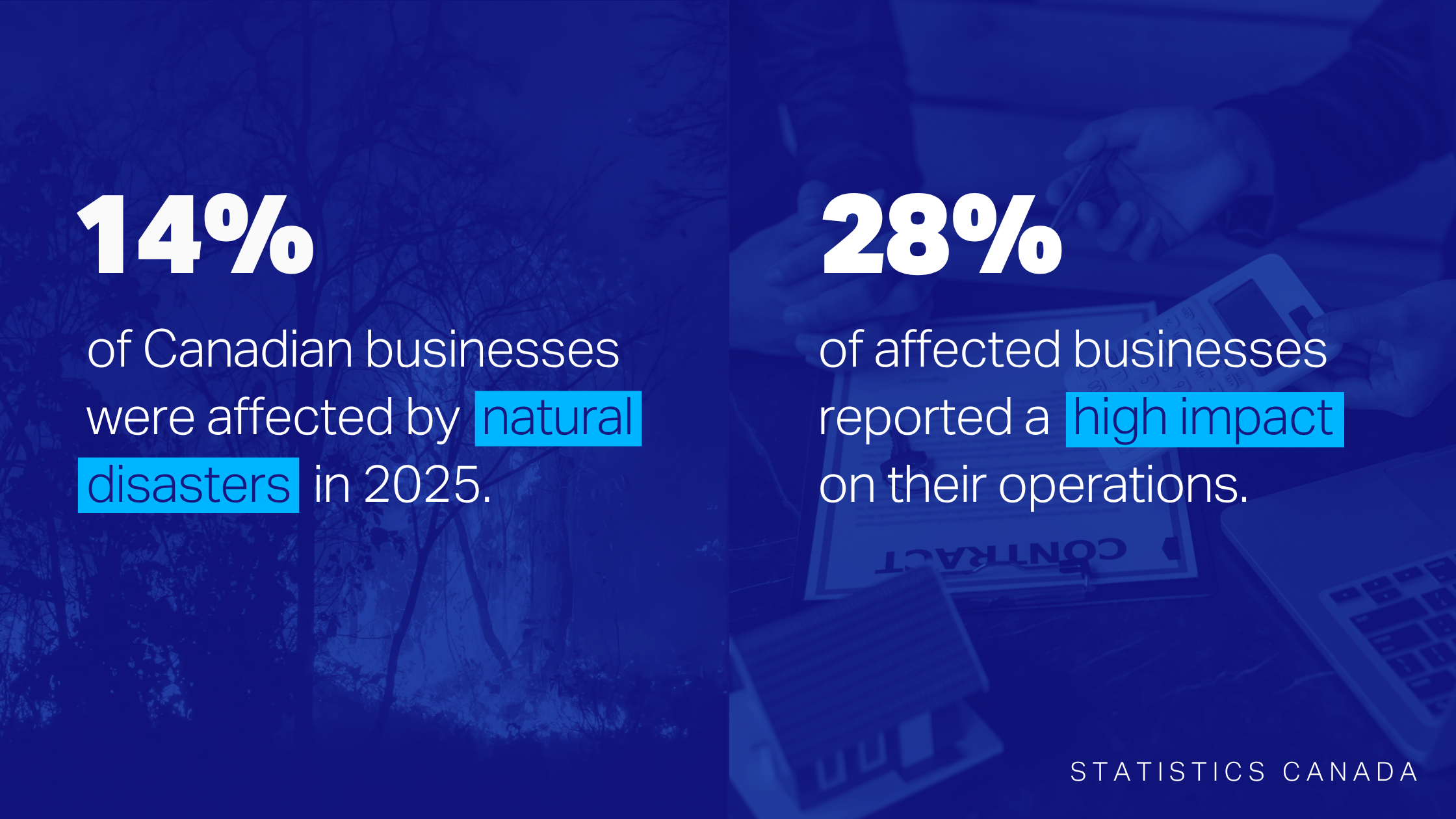
Cyber incidents, like ransomware attacks, tend to get a lot of attention in IT disaster recovery—but real-world risks like wildfires and floods matter too. According to Statistics Canada, almost 14% of Canadian businesses were affected by natural disasters in 2025, and close to a third of those say they experienced a high impact as a result.
On-premises IT infrastructure might not necessarily be damaged during these types of events, but it can become inaccessible for days or weeks as evacuations and recovery efforts unfold. Without proper redundancies in place, this can cause data and systems to go offline and unexpectedly disrupt everyday operations.
That’s why taking stock of your specific IT setup and accounting for location-based dependencies ahead of time is so important for business continuity. It can be surprisingly easy to lose sight of where physical infrastructure might be creating vulnerabilities, especially if your environment has slowly evolved to mix both on-prem and cloud-based solutions.
And while moving everything over to the cloud might seem like the obvious fail-safe in a natural disaster scenario, a full migration isn’t always feasible for every operating model or budget.
Here, we’ll unpack why mapping out your on-site assets is critical for IT risk management, and lay out some practical considerations if your team is prioritizing infrastructure improvements.
What Happens to Your IT When Facilities Are Compromised?
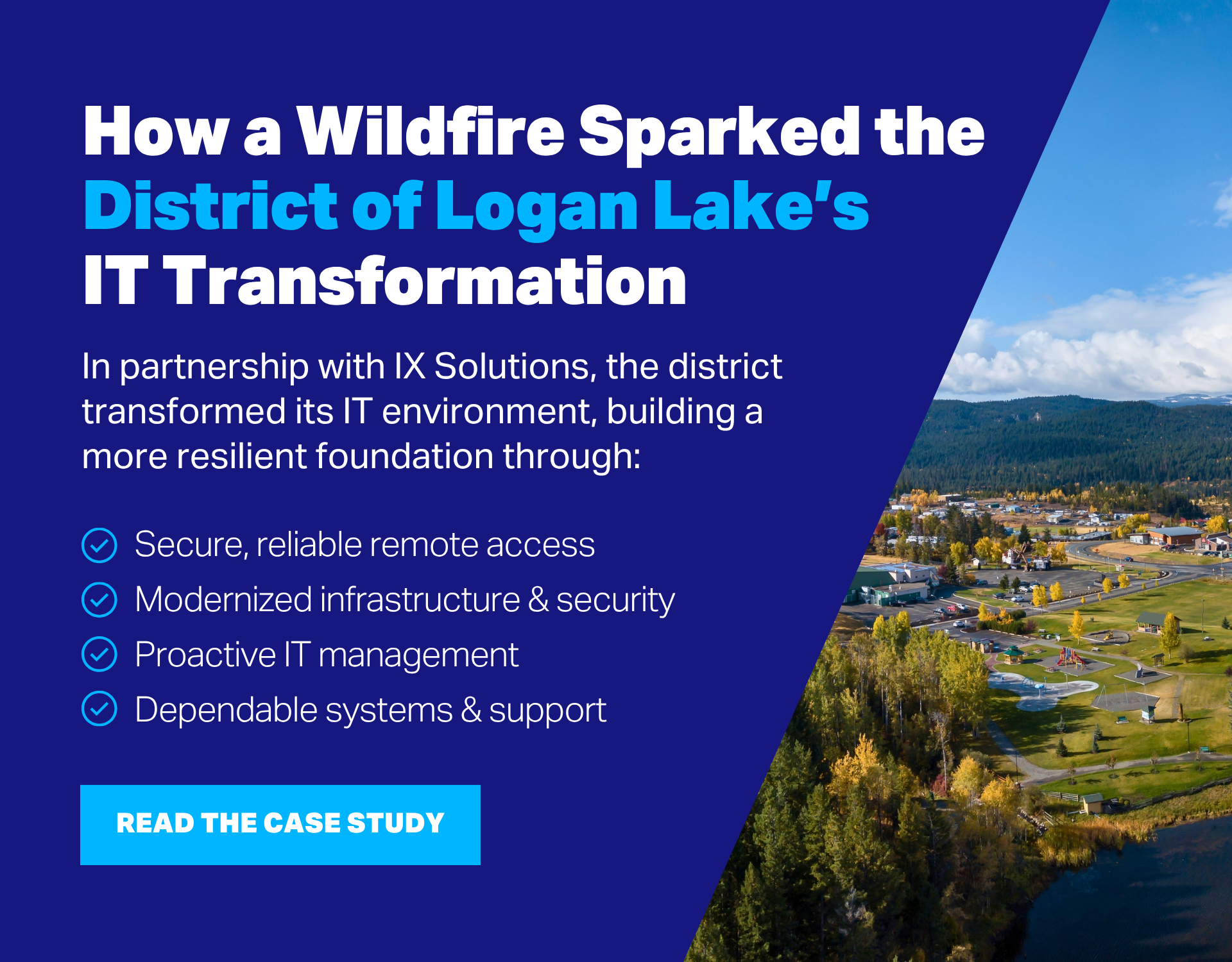
Sometimes, it takes a real disruption to truly understand the implications of losing access to on-premises IT. This was certainly the case for the District of Logan Lake, which was evacuated during British Columbia’s 2021 wildfire season.
The District’s Emergency Operations Centre (EOC) had already been hardened with backup generators and resilient internet before the evacuation order. But when the power went out, email still went offline, just as the District’s Chief Administrative Officer was trying to send emergency communications. Why? The email server lived at Municipal Hall, which didn’t itself have backup generation.
It’s a textbook example of how losing access to an office or facility can affect applications, data, connectivity, and users' ability to work. Even when precautionary measures are taken, IT dependencies can slip through the cracks. Cloud-based applications may still be affected if they rely on something that is location-dependent, like authentication, databases, VPNs, or network equipment. One unavailable component can touch several workflows.
Having a solid backup strategy also doesn’t guarantee that your team will avoid disruption. If backups or recovery infrastructure share the same geographic exposure as the systems they’re meant to restore, both could become inaccessible at the same time.
Key Questions to Ask When Building a More Resilient IT Environment
There’s no one-size-fits-all approach to IT infrastructure resilience, since every organization will have different operating requirements, downtime tolerances, and budgets.
That said, getting a clear picture of which business processes matter most and how your IT currently supports them is always a good starting point. This will allow you to identify and prioritize vulnerabilities that are likely to leave core operations in the dark if you can’t access certain facilities.
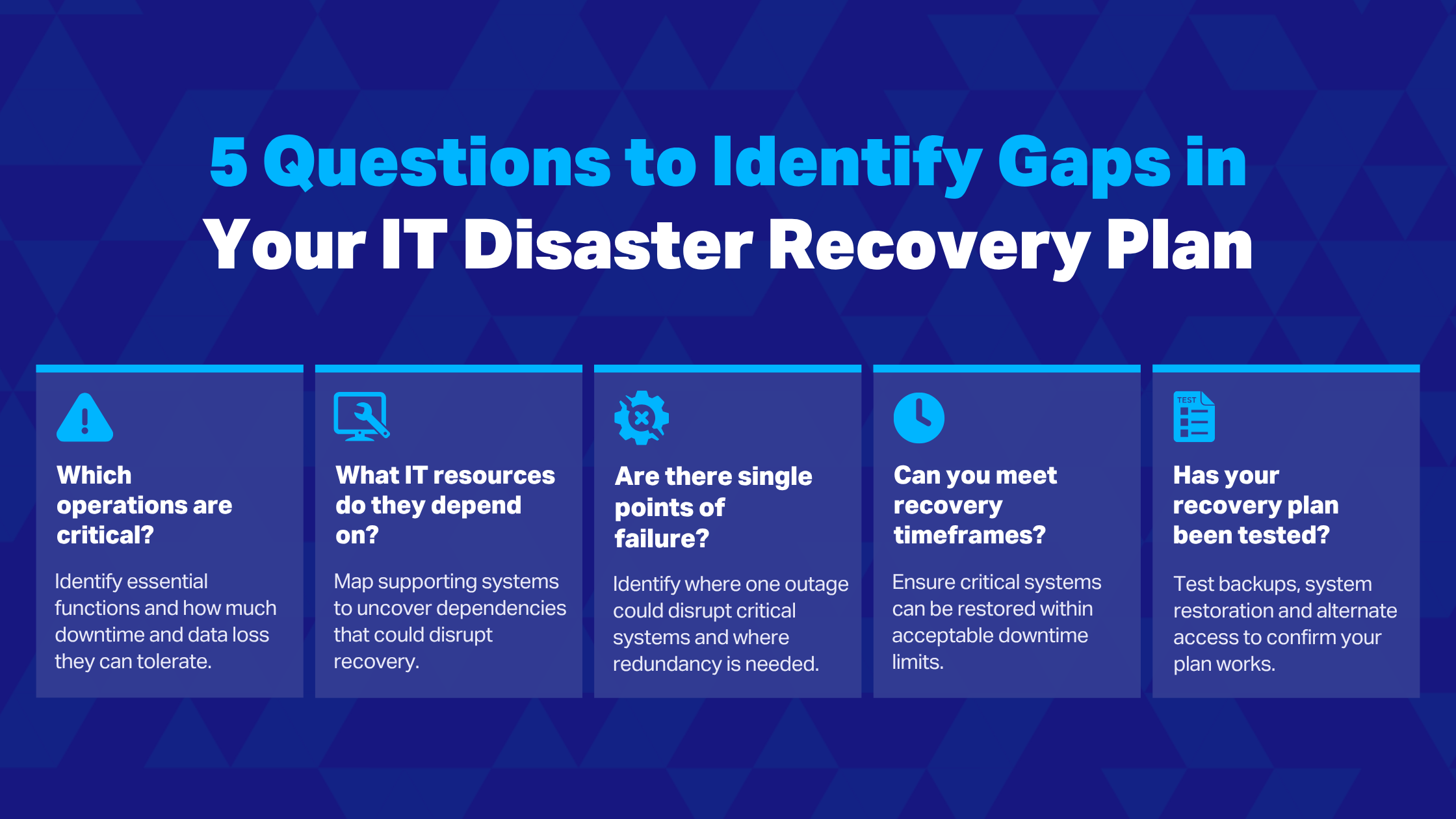
Here are five questions you can use to help guide that process:
1. What Are Your Business-Critical Operations?
When determining which operations must be maintained during a disaster, it can help to start with naming core business needs—what staff need to do to keep things moving—rather than the technologies themselves.
For example, an internal database that employees occasionally reference might not cause any serious problems if it were inaccessible for a few days. On the other hand, an app that staff use to deliver an essential public service couldn’t be unavailable for more than an hour or two without causing serious issues.
IT disaster recovery guidance usually recommends setting a recovery time objective (RTO) and recovery point objective (RPO) for important systems, setting clear targets for how much downtime and data loss the organization can tolerate.
2. What IT Resources Do Those Operations Depend On?
Key functions often rely on several interconnected systems to work, sometimes spanning both on-prem and cloud environments. Documenting how those relationships fit together will show where an outage in one place could have cascading dependencies, causing a wider impact than initially expected.
Understanding these connections allows IT professionals to decide what should be restored first, as well as where alternate equipment, sites, or other redundancies must be added to close dependency gaps. The goal is to proactively address missing links like the Municipal Hall server in Logan Lake, a site dependency that proved essential in keeping the District’s communications online.
Bringing in a managed service provider here is often a worthwhile investment, especially if you have limited time to investigate how different components connect. Their experience across varied IT environments can help uncover dependencies that may be easy to miss when you’re working within the same systems every day.
3. Are There Any Single Points of Failure?
Knowing how vital systems and their dependencies interact can highlight where concentrating IT resources in one area creates significant risk. Making these points more resilient should be a priority when planning for IT disaster recovery.
For instance, having a backup of a crucial server is helpful, but if both the production server and the infrastructure needed to restore it are in the same building, an extended power outage could make both unavailable at once. In these circumstances, adding geographically separated backups, cloud solutions, or other forms of redundancy can help ensure a single event doesn’t take out both your primary and recovery options.
4. Do Recovery Options Meet Your Downtime Tolerances?
An IT disaster recovery plan only meets the organization’s needs if it can restore systems within their RTOs. Getting a system fully operational again can mean provisioning replacement infrastructure, restoring applications, reconnecting dependencies, and checking that everything works. That process can take several hours, depending on the approach.
Adding redundancy through alternate infrastructure or cloud resources can help to speed up recovery. Since most IT teams don’t have the time or budget to build redundancy into everything, it’s best to focus on high-impact systems that are most likely to miss their RTOs in a real-world disaster situation.
5. Has the Recovery Plan Been Tested?
A plan that works on paper sometimes reveals unexpected dependencies or manual steps when it’s put into practice. Regular testing confirms that backups and critical systems can be restored within the required timeframe, and that users can access them from an alternate location if needed. It also gives your team a chance to rehearse recovery, so they’re more confident taking action if location-based resources actually become inaccessible.
On-Premises Vs. Cloud: What Should You Migrate?
Once you’re more familiar with the organization’s IT dependencies and potential red flags, you may find yourself reconsidering where certain assets live. If a component depends on a physical location, does it actually need to?
Sometimes, the answer is yes. Organizations may have low-latency requirements that make having local infrastructure necessary. Some sectors rely on specialized or legacy technologies, which can also be incredibly clunky and expensive to migrate. Other systems could be on-site simply because that’s how the environment was historically designed, and staff haven’t had the time to make infrastructure changes a priority.
For assets that do need to remain on-site, it’s usually more about eliminating single points of failure and improving resilience than a matter of cloud transformation. That might mean setting up redundant connectivity or keeping recovery infrastructure far enough from the primary site that one disaster is unlikely to affect both areas. If there’s no practical reason for a location dependency, moving some workloads (or even parts of a single workload) to the cloud often makes the most sense for IT disaster recovery.
A manufacturing application, for example, may need to stay on-prem because it communicates directly with production equipment. However, its backups or recovery environment, as well as the company’s email, collaboration, or file storage solutions, could potentially move to the cloud. This hybrid approach reflects where many small to mid-sized organizations are headed: 2026 Flexera research shows that SMB public-cloud workloads increased from 55% to 63% year over year.
Of course, this doesn’t mean every suitable workload needs to be migrated at once. Even small, targeted moves can improve disaster preparedness when they address critical systems. Other workloads can be tackled over time as resources allow.
Is Your IT Infrastructure Ready for a Real-World Disruption?
Most organizations understand that backups and a disaster recovery plan are necessary for avoiding downtime when a disruption happens. However, the broader physical risks associated with where IT infrastructure lives may be less obvious until teams find themselves in the middle of a recovery effort.
For most small to mid-sized organizations, staying resilient during natural disasters and other real-world risks doesn’t have to mean investing in a full cloud migration. A mix of cloud-based options and local infrastructure, where it’s needed, is totally sufficient—as long as on-site systems have enough redundancy built in.
Mapping the IT dependencies and physical risks in your specific environment, however, can be a lot for stretched teams to tackle alone. IX Solutions works with you to assess your infrastructure, identify gaps, and prioritize improvements that fit your operations and budget.
If you’re wondering how well your existing systems would hold up if offices or other locations suddenly became inaccessible, book a consultation with IX Solutions.
