
AI Readiness for Business: Are Your People, Infrastructure, and Data Ready?

CIOs and IT leaders are feeling the push to adopt AI. However, moving too quickly without first taking stock of your business’s readiness can lead to costly setbacks, like security and compliance risks or reduced ROI. Overlooking key foundations can also damage employee trust before the technology has a chance to demonstrate real value.
Yet, research suggests that it’s a common mistake. According to BDO, almost half of Canadian business leaders are exploring AI but aren’t seeing meaningful results, and only 18% actively embed it into everyday work.
These findings indicate that the technology often remains stuck in the pilot phase rather than solving real user problems. It’s a telltale sign that the organization may have rushed into experimentation before fully preparing its people, data, and infrastructure.
“Too many organizations treat AI as another technology purchase rather than a business transformation,” says Chris King, Vice President of Client Strategy at IX Solutions. “Getting the tools is the easy part. Lasting results come from establishing the right building blocks before you scale.”
Knowing where you stand is one of the most valuable steps you can take when fielding pressure to invest in AI or understanding why current deployments have mixed results. Here, we’ll explain what AI readiness for business actually means and give you some practical steps to identify gaps.
What Is AI Readiness for Business?
AI readiness is how well a business’s people, data, and infrastructure are prepared to support a secure and effective rollout. Note that “ready” looks different for every business and often depends on factors like your goals, risk tolerance, and intended AI use cases.
Generally, AI readiness for business can be understood across three core pillars:
Data
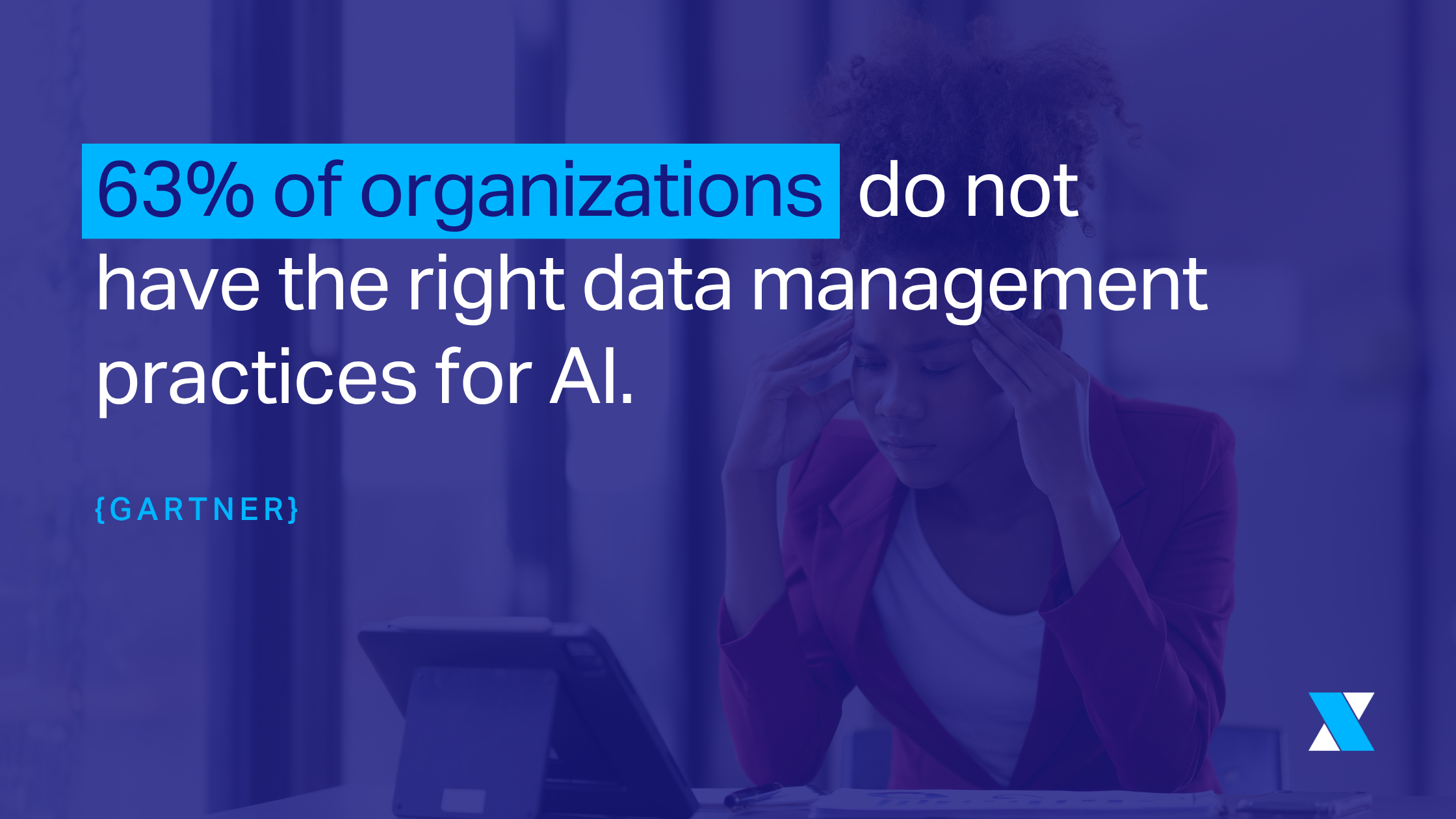
Poor data hygiene is a common barrier to AI success: 63% of organizations surveyed by Gartner said they either don’t have (or aren’t sure they have) proper data management in place. Data readiness is about ensuring that AI tools generate reliable, relevant results while keeping internal content secure.
According to King, data should be centralized, classified, and managed under strong governance policies, with close attention to how content is managed in SharePoint, Teams, and OneDrive for Microsoft users. “Data—particularly where information is stored, how it’s organized, and who has access—is the first thing I look at when reviewing AI readiness.”
AI Readiness Signals: Data
- AI solutions only have access to data that's complete, accurate, and relevant for the task.
- Data is centralized and easy to find rather than scattered across legacy storage systems.
- Sensitive information is labelled, and access follows least-privilege principles.
People and Culture
TD Bank research shows that 64% of Canadian workers feel their employers haven’t provided enough guidance on using AI. Meanwhile, over three-quarters are concerned about the technology’s potential downsides. Before deploying solutions, employees should understand where AI fits into their work, how to use it responsibly, and have the skills to make it genuinely useful. An “AI-ready” workforce also trusts that it’s set up to support positive outcomes.
AI Readiness Signals: People and Culture
- Staff know the organization's usage policies and best practices for AI tools.
- Teams have champions who can answer questions, lead training sessions, receive feedback, and advocate for the business's AI strategy.
- Employees are involved in AI initiatives from early on so that solutions are built to resolve real user pain points.
Infrastructure and Technology
When people think about AI infrastructure, they often picture expensive GPUs and specialized hardware. In reality, most teams can think of “infrastructure readiness” as having their technology ecosystem prepared for AI through cloud platforms and existing software licences.
If you use Microsoft 365, for example, that means having the right subscription tier for your AI roadmap and configuring the environment to both support AI workloads and manage security risks. Other key areas to look at include conditional access, endpoint compliance, cloud readiness, and the overall health of SharePoint and Teams environments.
AI Readiness Signals: Infrastructure
- Licensing supports how the business plans to use AI. For example, M365 Copilot has different licensing and technical requirements from building custom AI agents with Copilot Studio and the Power Platform.
- The IT environment is configured to support secure AI adoption through controls like identity and access management, data loss prevention policies, and sensitivity labels.
Is My Business Ready for AI? Red Flags to Watch For
While AI readiness looks different for every business, here are some of the most common signs that there’s still work to do:
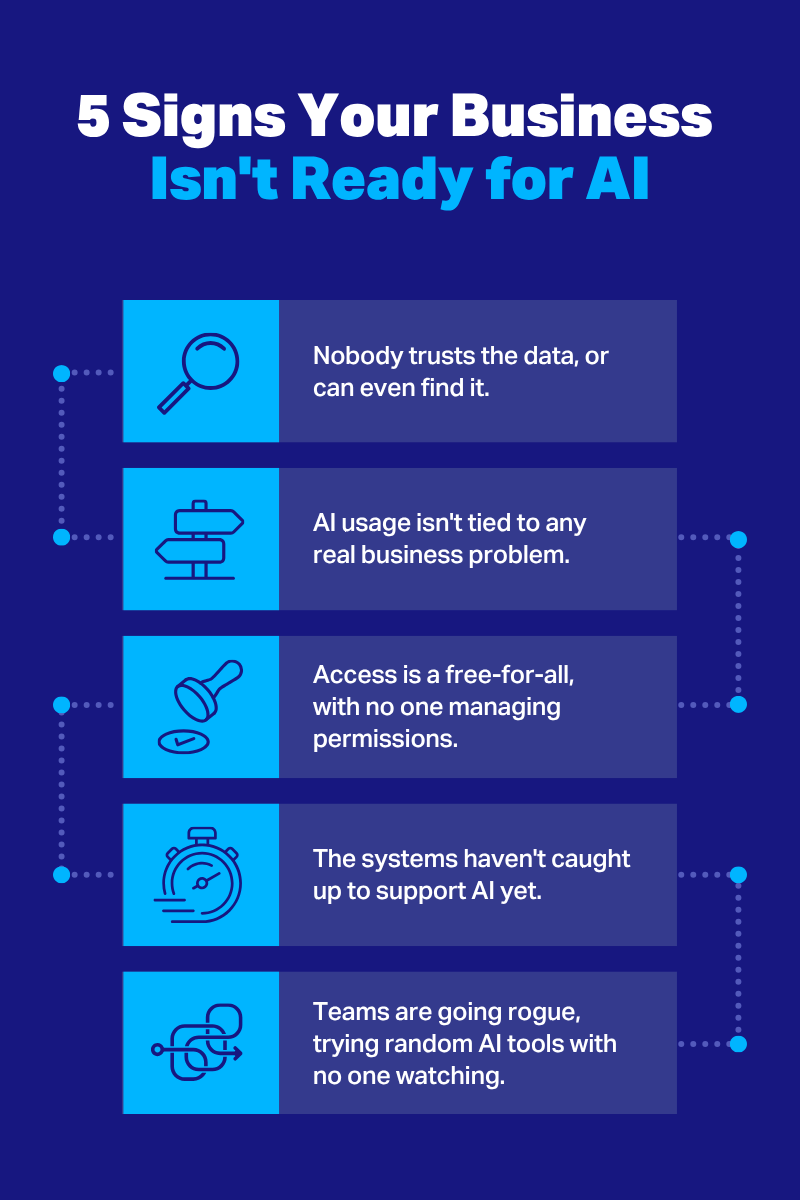
Data is hard to find or trust. Employees are constantly hunting for information, questioning which document is the latest version, or working from multiple copies of the same file.
You don't know who has access to what. Employees can often see files they don't actually need to do their jobs. Permissions are also clunky to manage in tools like SharePoint, and it's unclear who owns which data.
People are experimenting with unapproved tools. Teams use a variety of external solutions without clear guidance. IT can’t monitor or manage whether company data is being copied into them.
AI has been launched without a clear goal. The business deployed a generic productivity tool, like a copilot, but it wasn't tied to a specific business problem. As a result, employees don't use it consistently and aren't sure how or why they should.
Your IT environment hasn’t changed. You’re unsure whether your Microsoft licence can support AI use cases and their security requirements. Alternatively, the licensing is sufficient, but the environment hasn’t been properly configured yet.
How to Approach an AI Readiness Assessment
Most IT departments don’t have the capacity to pick apart readiness in every corner of the organization. Rather than aiming for perfection, focus on identifying a few key improvements that will set a specific use case up for success. The steps below are designed to keep that process realistic and build a repeatable framework you can expand to other teams and workflows.
1. Take an AI Readiness Questionnaire
If you're unsure where to begin, taking a pre-built questionnaire is a low-effort way to establish a baseline and find areas that deserve closer attention. For example, if you’re a Microsoft shop, the Microsoft AI Readiness Assessment (which takes about 45 minutes) evaluates and makes recommendations across areas like data foundations, security, infrastructure, and culture. This provides early context and direction before diving deeper.
2. Gather Team Feedback
Have team leads speak directly with employees to learn about existing AI use—whether that’s through approved tools or shadow solutions—and how those tools help them solve everyday problems. These conversations should explore user familiarity and comfort level with AI, including their understanding of best practices and potential risks.
Asking about specific frustrations, like how hard it is to find data, can also expose weak points and pinpoint which early AI use cases are likely to provide value and build trust. The goal here is to gauge technical literacy and user buy-in, which will help you better prepare training and change management efforts.
3. Focus on One or Two Use Cases
Reviewing AI readiness across an entire business can feel overwhelming, especially for lean IT departments. Every business unit has different data, systems, security controls, and operations, which can make broad assessments both time-consuming and less accurate. Instead, start with one or two friction points to solve with AI and evaluate readiness on a smaller scale.
For example, team conversations might reveal that finance spends days comparing spreadsheets and verifying figures to write reports. Narrowing your readiness audit to a single use case like this—one that’s a strong candidate for AI—makes it easier to evaluate the data, infrastructure, security requirements, and people involved in the solution. Then, repeat the process for other use cases as time and resources allow.
“The most ‘AI-ready’ organizations aren’t launching it everywhere at once,” says King. “They’re starting with clear business problems, training people well, and building momentum one use case at a time.”
4. Audit What Supports the Workflow
Once you've identified a promising use case, take inventory of the data and technology it depends on. This is a more focused exercise than a general readiness assessment, helping you recognize technical issues that could impact the success of a specific solution. Consider questions like:
What data will the AI solution need to access?
Where does that data live, and is there a clear source of truth?
Who owns the data, and who currently has access to it?
Is the data clean, complete, and accurate?
Does our software licensing enable the AI capabilities we want to launch?
Is our environment set up to support secure AI adoption for this workflow through identity controls, compliance policies, and other safeguards?
Get a Clearer Picture of Your AI Readiness
Many companies know AI belongs on their roadmap but aren't sure whether their technology, data, or people are actually ready for it. Taking the time to evaluate where the business stands gives you the clarity to address gaps before they become security risks or barriers to adoption and long-term value.
While it’s definitely possible to tackle an AI readiness assessment on your own, many businesses opt to partner with a consultant. This often provides a more objective view of your environment and culture, while uncovering blind spots that internal teams might miss.
If you want to take the guesswork out of the process, our AI consulting services can help you assess your organization’s AI readiness, identify gaps, and create a tailored action plan. Start the conversation today.
