
Cybersecurity for School Districts: 5 Practical Strategies for Lean IT Teams

When a cybersecurity breach hits a school district, it often starts with something small, like staff getting locked out of email or a system going offline.
Within hours, that “small issue” can ripple outward. Classes might become disrupted for weeks, forcing staff to use manual workarounds. Schools could end up with unexpected costs to cover investigations, recovery, legal issues, and regulatory obligations. In serious events, sensitive leaks can also damage trust with parents, staff, and the broader community.
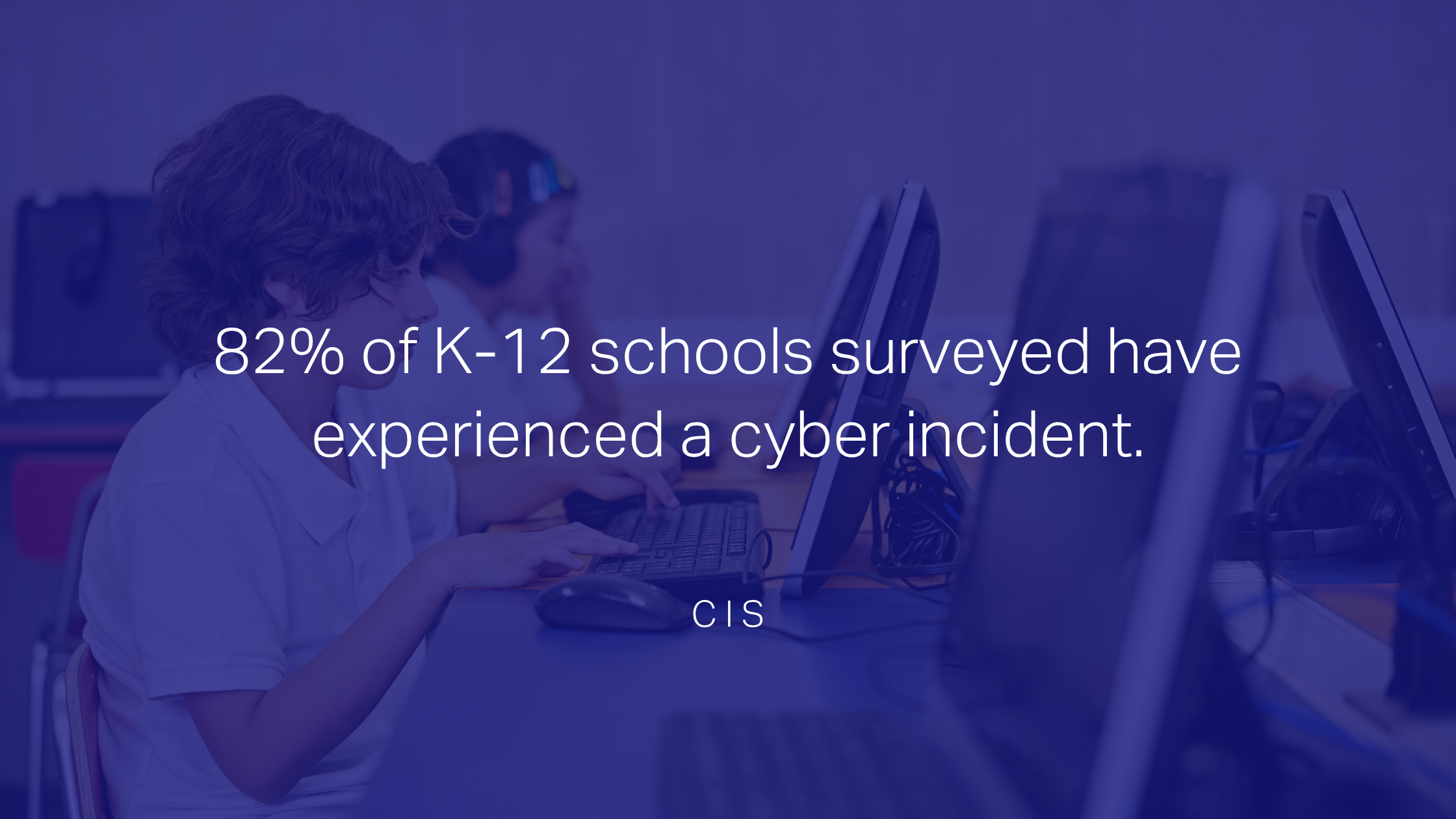
It’s an issue that’s becoming more common in Canada and beyond: of the 4,600+ K-12 schools surveyed by the Center for Internet Security, 82% have experienced a cyber incident.
If you’re a district IT coordinator or administrator, you likely already know this is a real risk. You’re probably also wearing several hats, working within a tight budget, and doing your best without a dedicated security team.
The good news is that improving cybersecurity for schools doesn’t have to be complex or expensive. In most cases, meaningful improvements come down to making incremental changes and optimizing the division’s existing software.
“Most schools run Microsoft 365 licensing, which already includes tools designed to improve security,” says Eddie Moncada, Modern Security Consultant at IX Solutions. “Districts aren’t taking full advantage of what they’re already paying for, usually because they don’t have the time or resources to explore what’s possible.”
Here, we’ll look at why cybersecurity for school districts matters more than ever and what practical steps you can take to start reducing risk.
Why School Districts Are Targeted
Schools might not seem like high-value targets, but in reality, they combine sensitive assets with limited defences, making them appealing to attackers.
High-Value Data
Most cyberattacks in education are financially motivated, using student and staff files for identity theft, fraud, or resale. The 2025 PowerSchool breach, which impacted over 80 Canadian districts, highlights the potential scale of this information: student records dating back to 1985 were compromised, including names, birthdates, and health card numbers.
Bigger Attack Surfaces
Modern school divisions rely on cloud platforms and shared systems between staff, students, and parents. Classrooms are also adopting more digital tools, like learning apps and IoT devices, creating more entry points.
Underresourced IT
Districts often handle the same volume and sensitivity of data as large enterprises, but without the resources, staffing, or infrastructure to secure it effectively. Sophos’ 2025 State of Ransomware Report points to limited expertise and capacity as the leading reasons behind attacks in K–12 schools.
Cybersecurity for School Districts: 5 Fundamentals to Have in Place
While every district’s situation is different, building a strong foundation usually doesn’t require major investments or new technologies. In fact, the following strategies can often be accomplished through tools that are already included in your software licensing, but just need to be reconfigured and continuously reviewed.
“In my experience, proper configurations in areas like identity and patch management aren’t something I see much in schools,” says Moncada. “But they can make all the difference.”
1. Vulnerability Assessment
Understanding where you stand is always a good place to start, taking stock of the district’s existing systems, devices, and data. Ideally, the environment should be evaluated monthly or quarterly to spot vulnerabilities. Make sure to document:
Outdated infrastructure and configurations
High-priority assets, like sensitive records and essential software
Who holds admin privileges
Third-party platforms and the devices or data they intersect with
Vulnerabilities and unpatched software
If internal resources are limited, consider bringing in school cybersecurity services for an assessment. This gives you a clear baseline to validate where to focus your time and budget. Alternatively, internal teams can investigate standards like NIST and CIS to see how the district’s environment compares.
2. Identity and Access Management
Identity-based attacks like phishing are the biggest cause of cybersecurity compromise. That’s why Moncada sees identity and access management as one of the most important controls: “A solid set of conditional access policies can give school districts the biggest bang for their buck when it comes to cybersecurity.”
To set up these policies, start with:
Privilege management: Schools are notorious for admin and permission sprawl. Review who can access what and limit privileged accounts as much as possible. Admin access should be intentional and regularly audited.
Context-aware access: Set up conditional access policies to manage sign-in risks. For example, automatically block logins from unfamiliar locations and only grant access to sensitive systems through managed devices.
Strong authentication: Require multi-factor authentication (MFA) across all users. Where possible, enforce more secure authentication methods (like app-based or phish-resistant options), especially for privileged accounts.
3. Multi-factor Authentication
While MFA sits within identity and access management, it’s worth calling out on its own, given the unique implementation challenges in K-12 schools. It’s usually not possible to enforce strong authentication methods for students, especially if they require specific apps on personal devices. Administrators must therefore create different access controls for different user groups based on what’s realistic day-to-day.
For instance, system admins should be required to use phish-resistant authentication. On the other hand, student logins where strong authentication isn’t feasible should be supported by compensating controls like:
Enforcing least privilege access to the minimum required for learning
Restricting sign-ins to managed devices, approved applications, and internal networks
Blocking sign-ins to unauthorized sites
Monitoring sign-in logs to detect unusual activity
4. Endpoint Protection and Patch Management
Every unpatched device or software is a potential entry point to a district’s network. Moncada stresses that having a structured process for patching efficiently is critical for schools: “Setting up a vulnerability management program will pay dividends down the line as far as shrinking the attack surface.”
To minimize end-user disruption, stage phased patch deployments and prioritize them based on asset value and impact level. Schools tend to benefit from tools that automate this process well, since manually tracking and triaging vulnerabilities across district assets can be incredibly time-consuming. Pay attention to third-party applications, such as Chrome, Zoom, or learning management systems, which can sit outside controlled update schedules.
5. Backup and Recovery
Backups can turn a major incident into a manageable one, but only if they’re set up and tested properly. Prioritize your most critical systems and data: what would cause the most disruption if it were unavailable? For most school divisions, that means student information systems, payroll and finance platforms, and shared file storage.
A simple best practice is the 3-2-1 approach: keep at least three copies (e.g., production data + local backup + cloud backup), on two different storage types (e.g., on-prem server + cloud storage), with one copy stored offline or offsite. Make sure to test your recovery process periodically, restoring files or systems to confirm that everything works.
Aim for Progress, Not Perfection
While districts should also work toward strategies like security awareness training and incident response plans, Moncada argues that technical controls should take priority at first: “Trying to do everything right away isn’t realistic. It’s more about having a plan to have it all eventually. Small improvements, even if it’s just 1% or 2% per month, will drastically improve your posture over time.”
After systems are properly configured, measuring progress is another area where districts can take advantage of existing licenses. Tools like Microsoft Secure Score, as well as Exposure Score and Vulnerability Management in Microsoft Defender, are valuable starting points. These indicate performance across areas like MFA and endpoint vulnerabilities, providing recommended next steps.
“It’s not uncommon for school districts to start at a 53% Secure Score,” notes Moncada. “At IX Solutions, we aim to see 80-85%.”
How to Approach Leadership
Small budgets and competing priorities mean that IT leads can face pushback when proposing security upgrades to superintendents or school boards. Here are some tips when engaging leadership in these conversations:
Educate decision makerson the risks in plain language. Rather than fear-mongering or using technical terms, focus on real-world consequences that will resonate—like financial costs, operational disruptions, or legal liabilities.
Benchmark against other school districts. Showing what proactive divisions are doing can help set a standard, clarify what’s possible, and make it easier for leadership to buy in.
Contextualize the investment. Frame security upgrades as a phased roadmap rather than a big upfront expense. Help leadership understand that significant gains can come from reconfiguring existing tools, not buying new ones.
Start Small and Build Momentum
Cybersecurity for schools isn’t about having a lot of funding or advanced tools. It’s about having a plan to make consistent, intentional improvements and using the software you’ve already invested in more effectively.
Districts that take this approach are in a much better position to reduce risk and respond to incidents confidently, especially with lean teams and budgets. According to Moncada, even modest month-over-month improvements will compound and put you much further ahead.
“Small wins might not feel like much in the moment. But over time, they’re what separate reactive districts from resilient ones.”
If you’re not sure where your district’s cybersecurity stands, contact the IX Solutions team to assess your environment and figure out the next steps.
